PIXEL
PIXEL
4.5 / 5
•
Steam listing data
The #1 gamma control tool for gamers, streamers, and anyone who spends hours at a screen. GammaBoost+ adjusts gamma, saturation, vibrance, and contrast in real
GammaBoost+ is a Windows utility from Sidearm Studios. The Steam listing describes it as a real-time tool for adjusting gamma, color, brightness, and contrast for players, streamers, and screen-heavy setups.
Data note: This is a source-based utility tracker, not a hands-on PFN review or product endorsement. Details below are based on Steam listing information captured in the source article. Compatibility, price, and feature behavior can change.
Quick Facts
| App | GammaBoost+ |
|---|---|
| Developer | Sidearm Studios |
| Publisher | Sidearm Studios |
| Release date | 22 June 2026 |
| Platform | Windows |
| Categories | Utilities, Game Development |
| Listed price in source | $4.99 |
| Notable features | Steam Achievements, Steam Cloud, stats, multiple language support |
Trailer And Screenshots
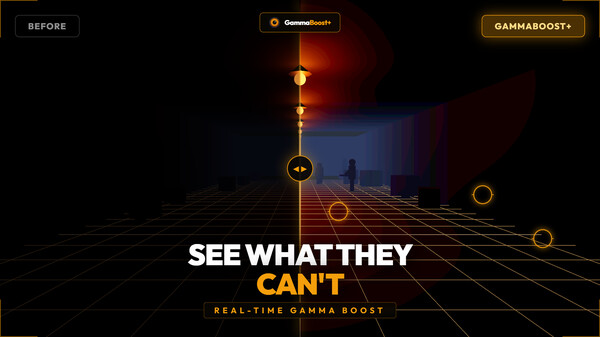
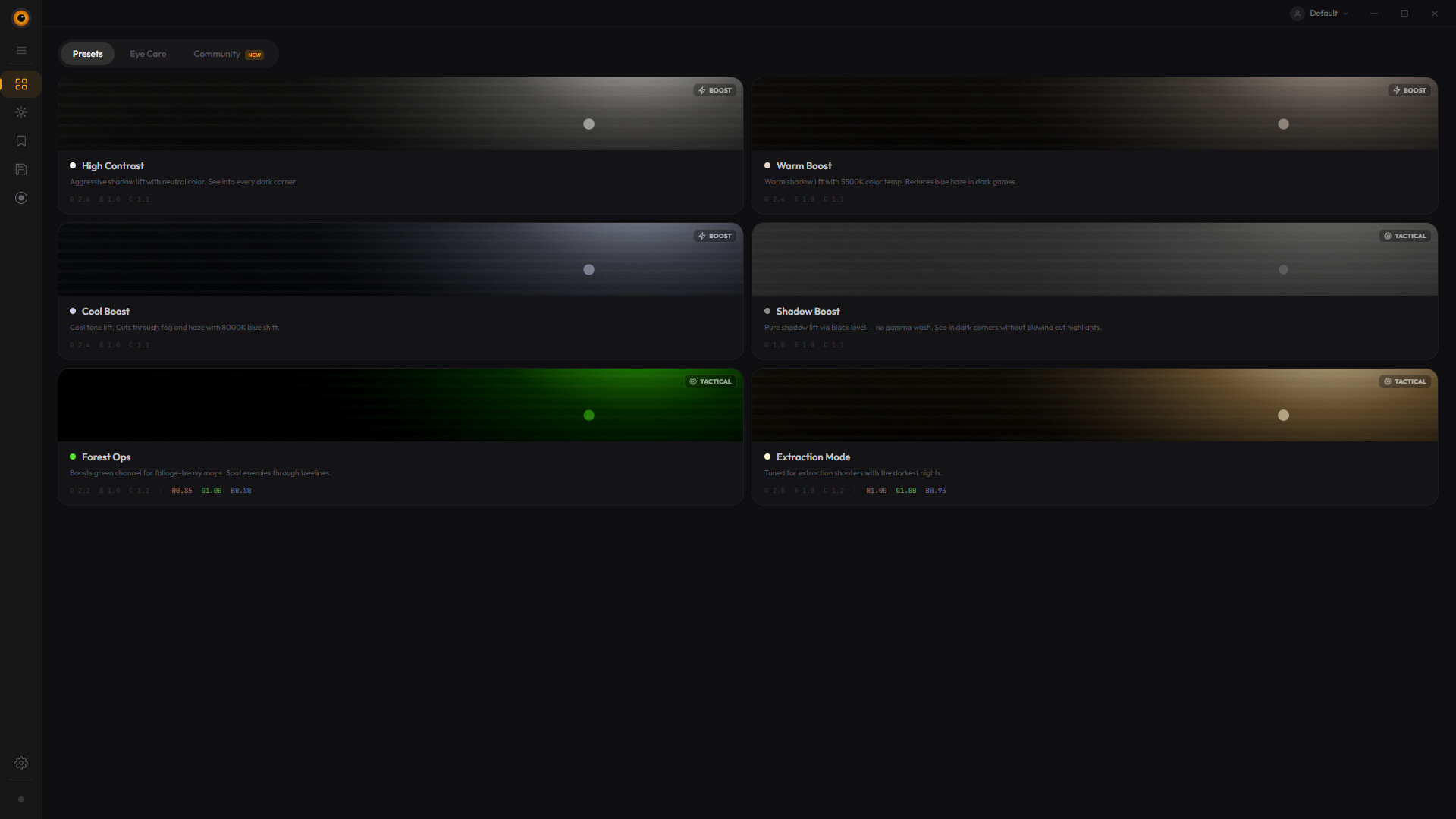
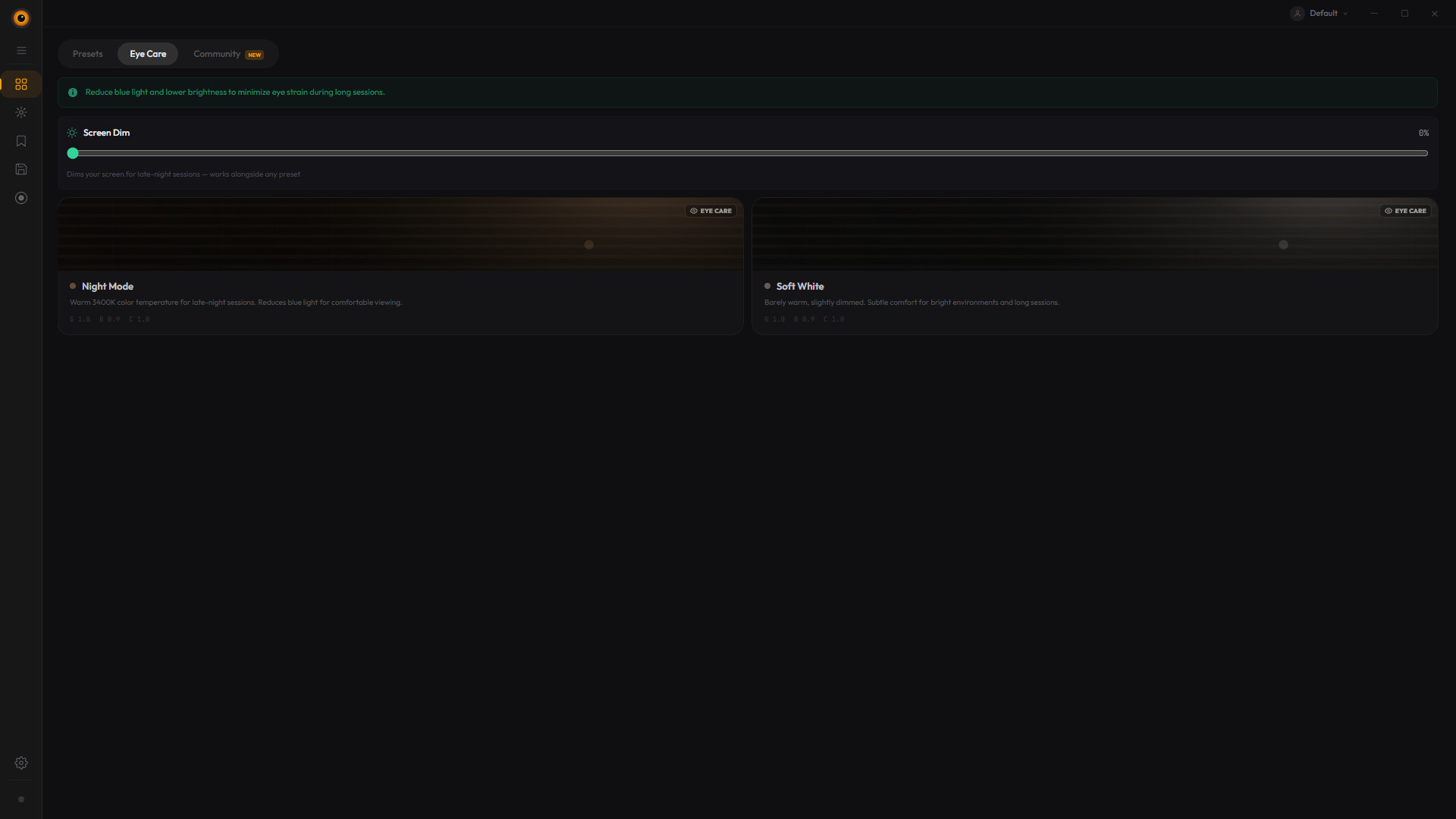
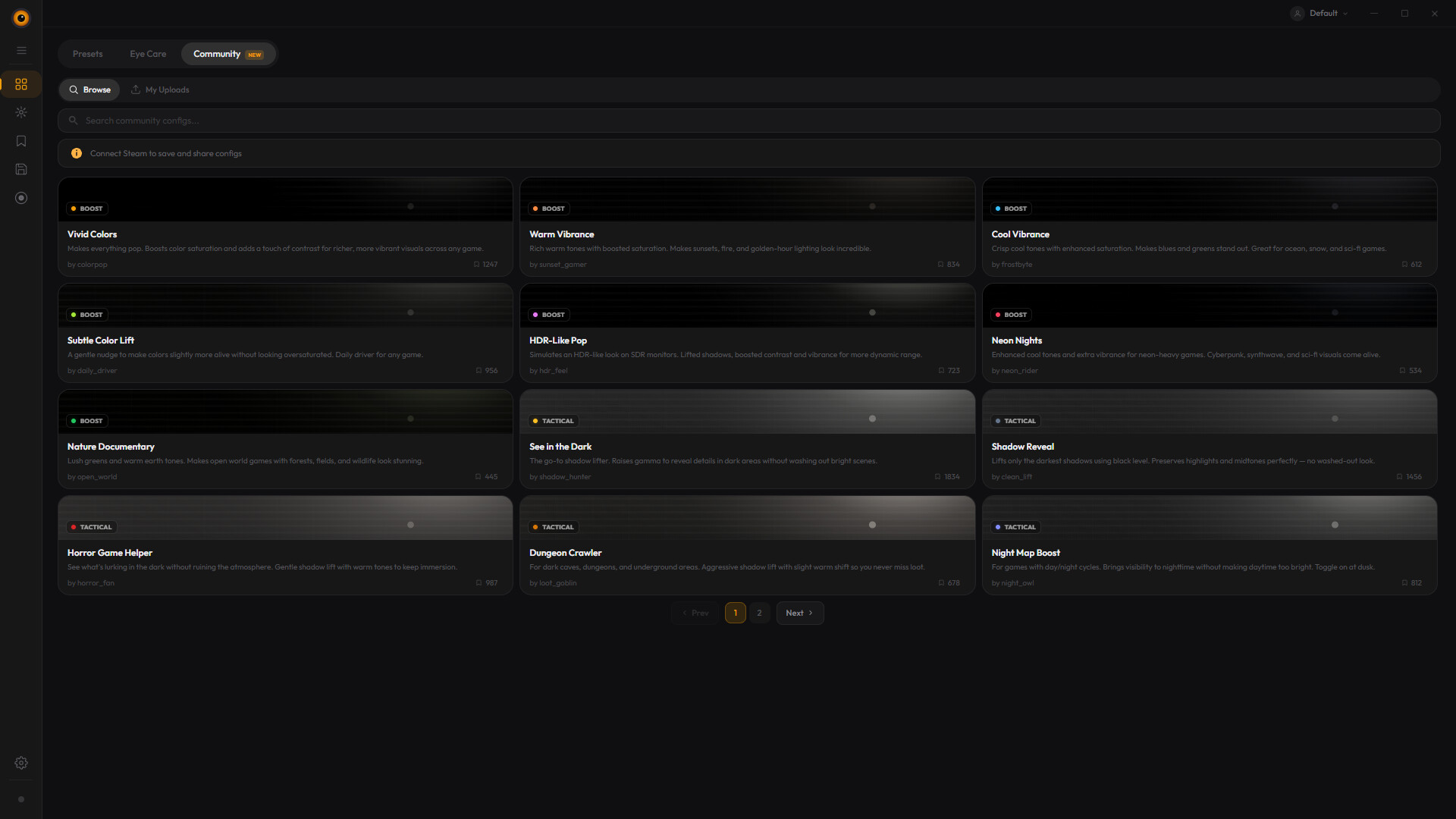
What GammaBoost+ Is
GammaBoost+ is not a normal game release. It is a display-adjustment utility distributed through Steam.
The use case is practical: changing brightness, contrast, color, and gamma behavior without relying only on monitor menus, driver tools, or in-game sliders.
What To Check Before Buying
Utility software depends heavily on compatibility. Readers should check whether GammaBoost+ works with their GPU drivers, display setup, fullscreen games, multi-monitor layout, capture software, and streaming workflow.
PFN also avoids health or visibility promises here. A gamma tool may help users tune their own display, but it should not be treated as a competitive advantage or eye-care solution.
PFN Bottom Line
GammaBoost+ should be evaluated as a PC utility, not a game. PFN is treating it as a utility tracker until hands-on testing can confirm compatibility, stability, and whether the controls work reliably across games and desktop use.
Source And Disclosure
This article is based on publicly available Steam and launch information captured in the source article. PixelForge Network may use affiliate links, but this tracker should not be read as a hands-on review or technical fix.
This article may contain affiliate links to affiliate partners. PixelForge Network may earn a commission at no extra cost to you, which helps support our independent gaming coverage. Read our full disclosure.