PIXEL
PIXEL
An MMO mouse can make keybind-heavy games feel easier, but more buttons are not always better. The right mouse depends on hand size, grip style, side-button layout, software reliability, wireless performance, and whether you can press buttons accurately without strain.
For long sessions, comfort matters as much as specs.
Data note: This is a source-based hardware buyer guide, not a PFN lab test. Prices, models, firmware, warranties, and software behavior can change after publication.
Quick Facts
| 12-button side grid | Useful for many binds, but can feel crowded |
|---|---|
| 6-button layout | Easier to learn for some players |
| Wireless | Cleaner desk, but battery and latency matter |
| Weight | Lighter is not always better for MMO control |
| Software | Profiles, remaps, and onboard memory can be critical |
Trailer And Screenshots
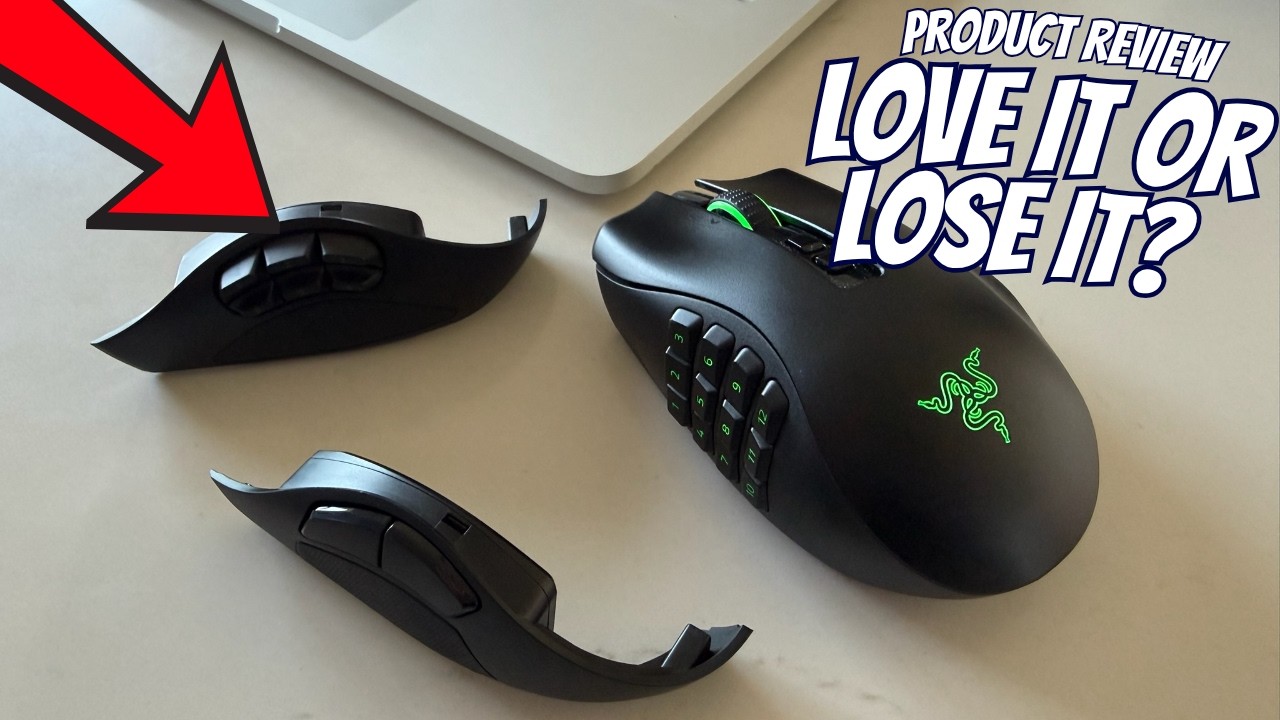
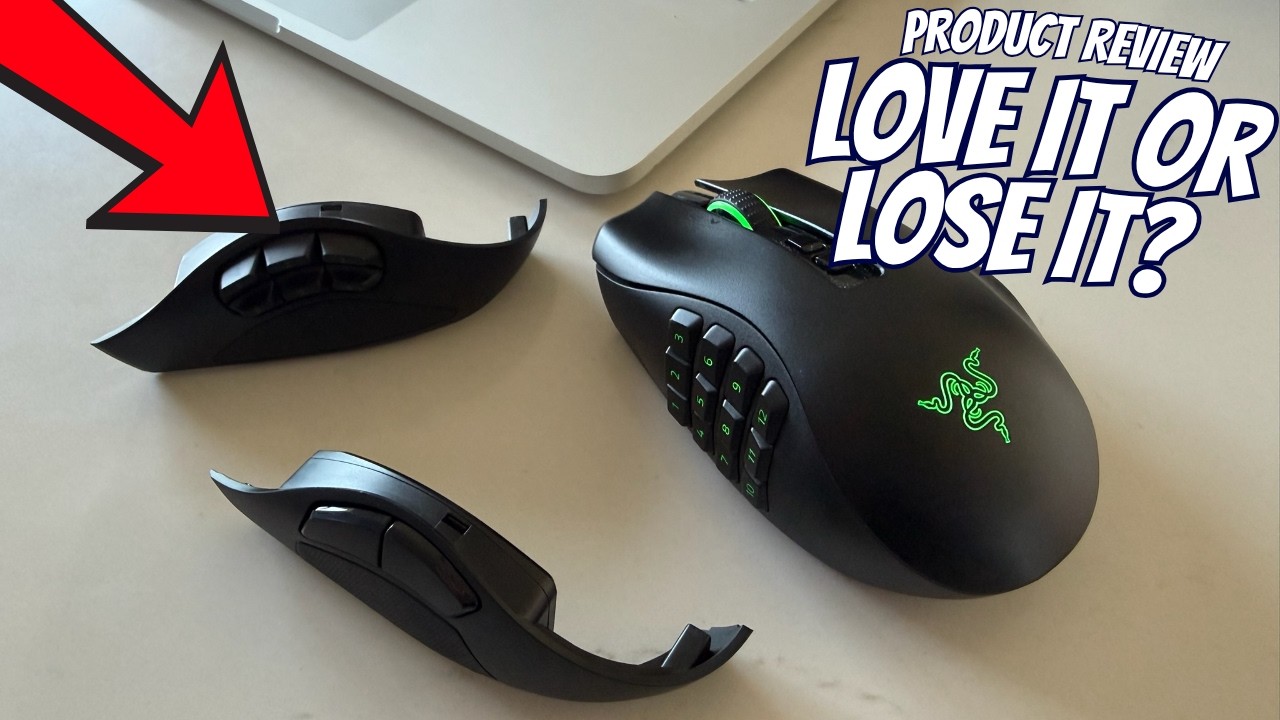
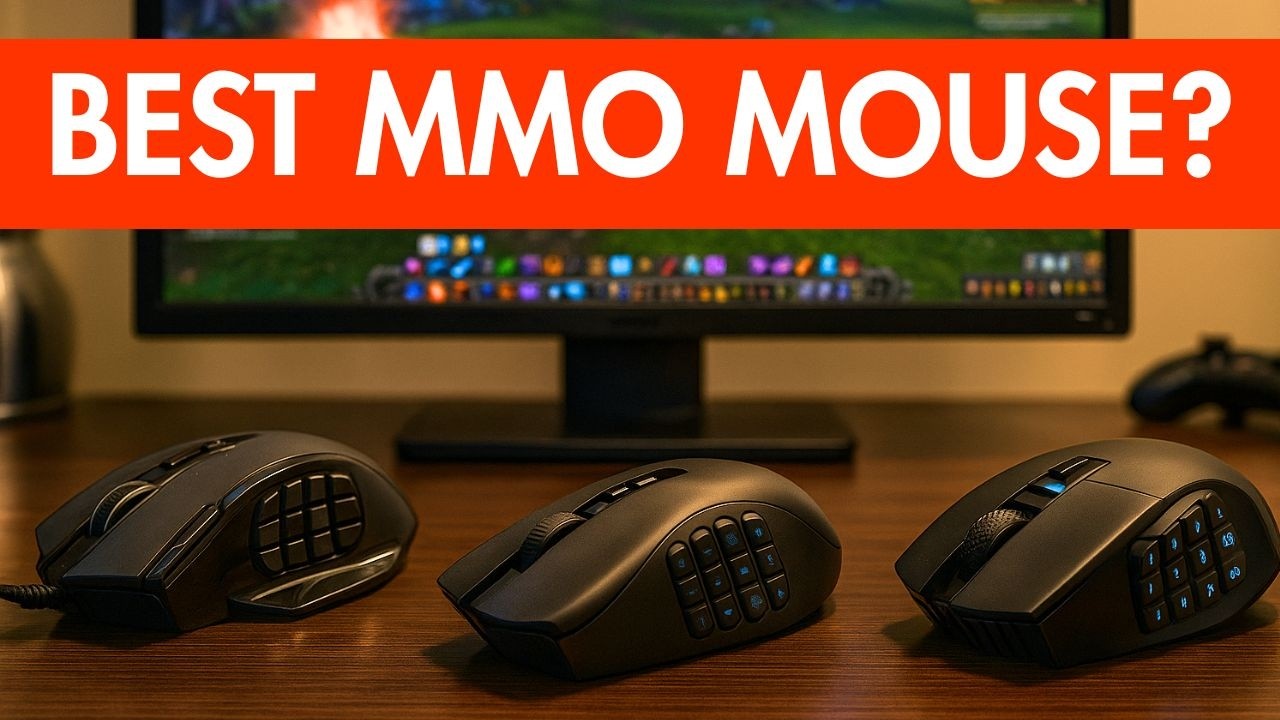
Side Buttons Need Practice
If you are new to MMO mice, do not bind every important skill on day one. Start with utility actions, mounts, push-to-talk, target markers, or less punishing cooldowns. Build muscle memory before moving core combat skills.
Also check whether the side buttons are easy to distinguish by feel. A button grid that looks impressive can still be hard to use in real fights.
Macro Safety
Use remaps and profiles responsibly. Most games allow normal keybinding, but automation that plays the game for you can violate rules. Hardware software should improve comfort, not replace active play.
When in doubt, check the MMO's policy before using complex macros.
PFN Bottom Line
An MMO mouse is worth it if it improves comfort and reduces keyboard strain. PFN would choose by hand fit, button layout, software stability, onboard memory, warranty, and whether the mouse helps you play cleanly without risky automation.
Source And Disclosure
This article is based on public hardware specifications and common MMO input needs. PixelForge Network may use affiliate links, but this guide should not be read as a lab-tested ranking, scored verdict, or direct purchase advice.
How To Read This Before Buying
Hardware pages can become misleading when they only list a product name and a few features. This PFN update focuses on practical checks: compatibility, comfort, long-session reliability, software requirements, and whether the feature set matches the way you actually play. Treat the article as a shortlist and decision guide rather than a promise that one product is automatically right for everyone.
Before spending money, compare the official product page, current regional pricing, return policy, warranty terms, and recent user feedback. For gaming peripherals especially, shape, weight, switch feel, wireless latency, microphone quality, and desk setup can matter more than the headline specification. A good choice for competitive shooters may not be the best choice for MMO hotbars, long raid nights, or quiet shared rooms.
Who This Fits Best
This page is most useful if you already know your main use case and want a clearer checklist. MMO players should think about extra inputs, software stability, and comfort over long sessions. General PC players should think about value, durability, and whether the device needs account software to unlock important settings. Console or handheld players should double-check platform support before assuming every feature works everywhere.
PFN Buyer Notes
- Check recent prices instead of relying on launch pricing.
- Confirm platform and software support before buying.
- Prioritize comfort and reliability over marketing claims.
- Use reviews as context, not as a substitute for your own setup needs.
Editorial Note
PFN keeps this page source-based and avoids unsupported scored verdicts. If major store details, pricing, release timing, or platform support change, the article should be updated rather than treated as permanent buying advice.
Common Mistakes To Avoid
A common mistake is buying around one headline feature and ignoring the daily experience. A mouse with many buttons can still be a poor fit if the shell shape causes strain. A headset with strong bass can still disappoint if the microphone is weak or the clamp force is uncomfortable. A keyboard with fast switches can still be annoying if the layout, software, or stabilizers do not fit your routine. PFN treats these as practical buying checks because comfort and reliability are what readers feel after the first week.
Also compare regional availability. A product that looks fairly priced in one market can become poor value after shipping, warranty limits, or local stock shortages. When possible, buy from a seller with a clear return policy, especially for peripherals where hand size, ear shape, desk space, and noise tolerance can change the experience.
This article may contain affiliate links to affiliate partners. PixelForge Network may earn a commission at no extra cost to you, which helps support our independent gaming coverage. Read our full disclosure.